 HRM Build
Proof 1
Proof 1 is the creative. The plugin sets up the frames so you start from the design, not from setup.
Start Proof 1
- Pick Design and load the brief.
- Click Build Proof 1. You get the Category sizes for each version with the copy in place and the products beside them.
- Cut out products with Figma's Remove background, then place them in the Image area.
- Add your surface or photo and pick the banner color.
- Click Check Proof 1, fix what it lists, then Proof 1 is done and name the file.
Already made by hand?
- Load the brief.
- Select the Proof 1 frames on the canvas. Every version's, if there's more than one.
- Click Use N selected frames as Proof 1. Your frames stay exactly as they are.
Then go to Build out.
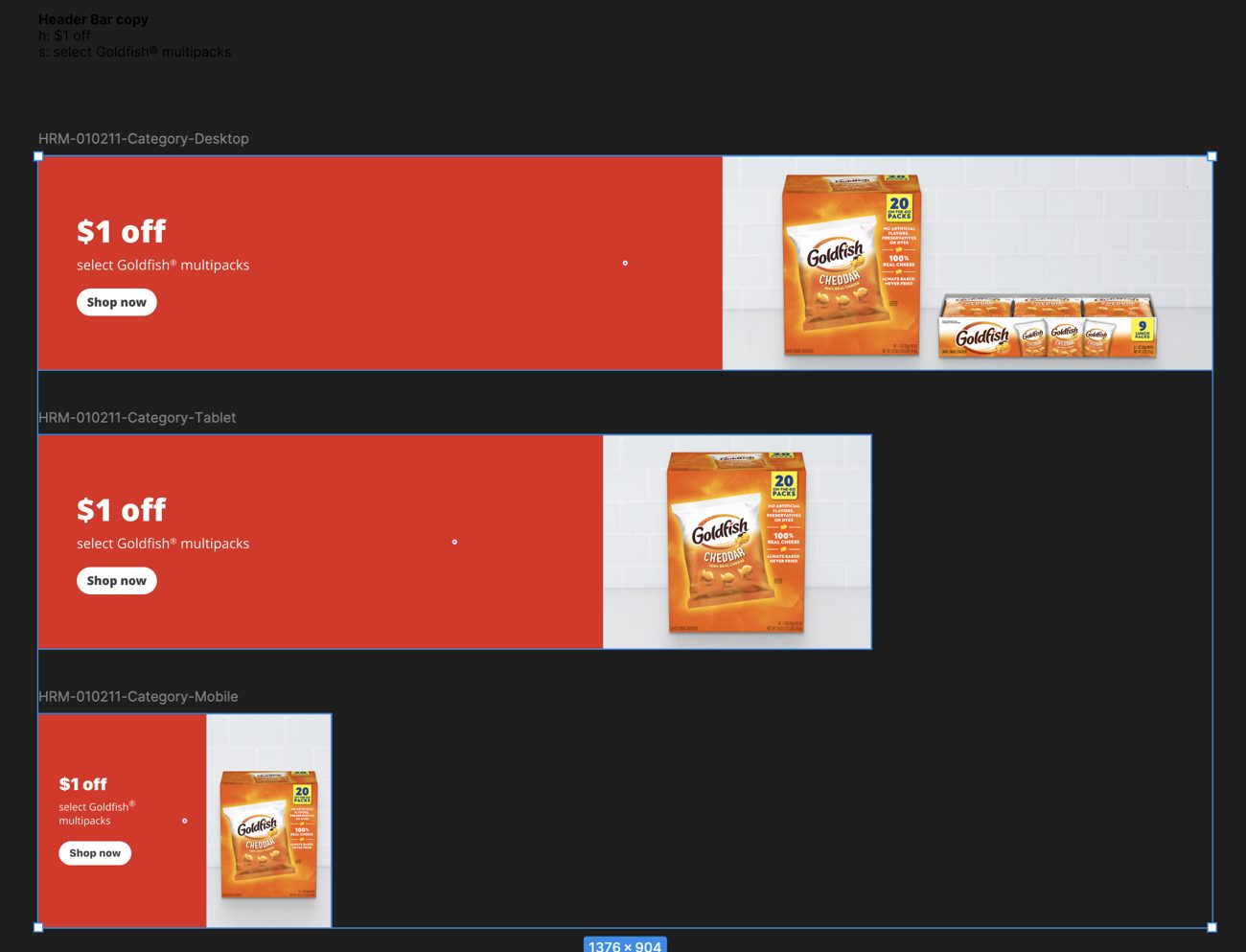
More than one version
Each version gets its own Proof 1, side by side. Pick the version in the panel before setting its color. Clicking a frame on the canvas switches the panel to that version.
Changes after review
Edit Proof 1, click Check Proof 1 again, then Build again on Build out. Banners you've adjusted by hand are kept.